
Simple, yet incredibly knowledgeable.
Monoshiri AI transforms how your team uses information with 6 powerful capabilities.
Drag & Drop Upload
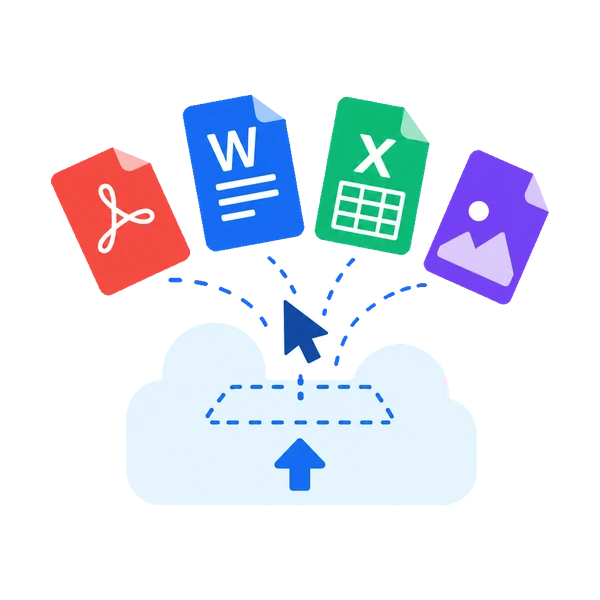
Supports all formats including PDF, Word, Excel, PowerPoint, and images. Just drag and drop to upload. No complex setup required.
- Supported formats: PDF, DOCX, XLSX, PPTX, HTML, CSV, TXT, JPG, PNG
- 30MB max per file
- Automatic text extraction
- Automatic file size & format validation
Ask AI
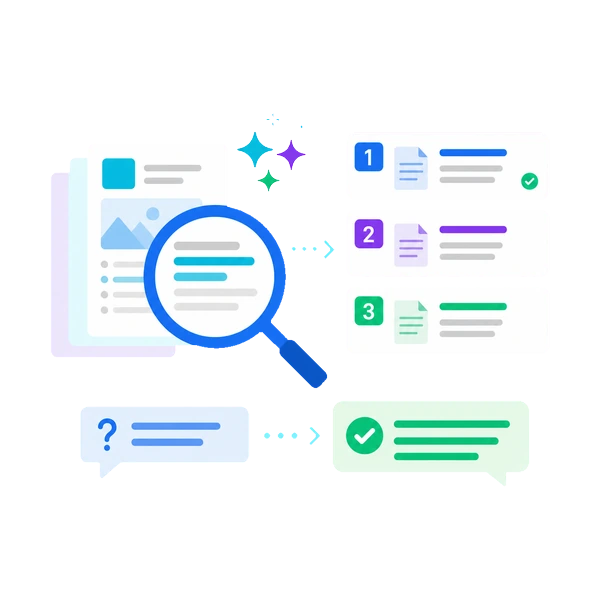
Search by meaning, not keyword matching. Get accurate responses even to vague questions and find the information you need instantly.
- Results ranked by semantic similarity
- Optimized for Japanese
- Free: 150/mo, Light: 1,000/mo, Standard: 3,000/mo, Pro: 20,000/mo
- Shows source documents for each answer
Multilingual AI Responses
Ask in natural language from the dashboard, LINE or Slack, and get answers grounded in your internal documents.
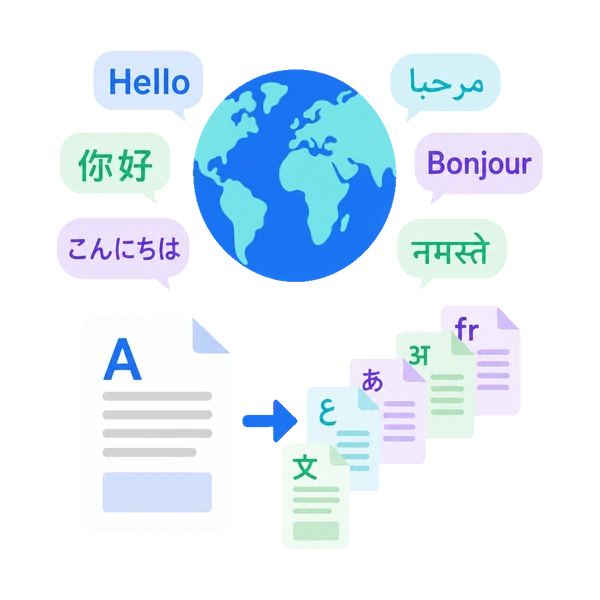
- Response languages: Japanese, English, Chinese (Simplified/Traditional), Korean, French, German, Spanish, Portuguese, Vietnamese, Hindi, Thai, Indonesian
- Even when your materials are written in one language, you can ask and receive answers in 13 languages including English, Chinese and Korean.
- Even when the source documents are in Japanese, the AI translates and responds in the chosen language
- No need to switch products as you add languages — it's all one service
Ask AI + LINE Integration
Ask AI is built right into Monoshiri AI. Just ask in natural language from the dashboard. With LINE integration, ask from LINE too — access information on the go.
- Search within the service
- Ask and get answers from LINE
- Intuitive natural language search
- No additional service subscription needed

No Setup Required
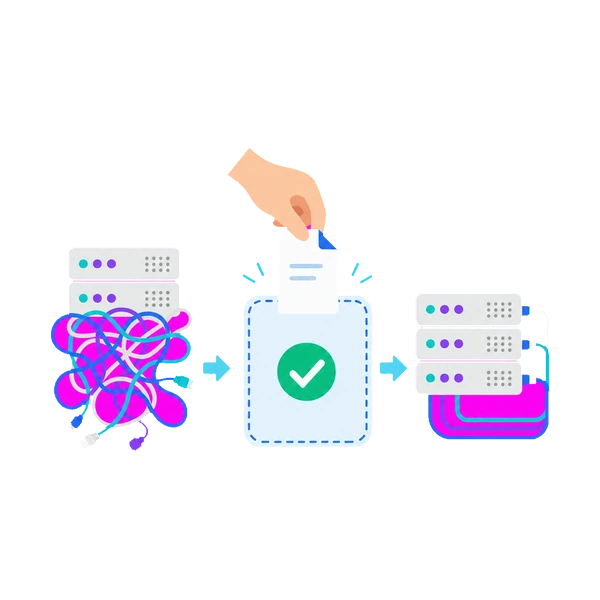
Start using Monoshiri AI immediately after creating your account. No server setup or database configuration needed.
- Ready in as little as 1 minute
- No server setup required
- Maintenance-free
- Auto-scaling supported
Secure Data Management
Encryption, account isolation, and domestic data centers. Data is strictly isolated between corporate accounts.
- Stored in domestic data centers
- Encrypted in transit and at rest
- Complete data isolation between companies
- Never used for AI training

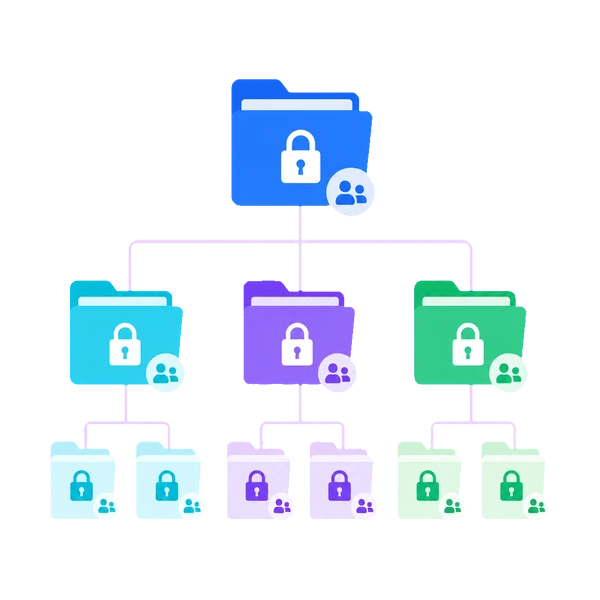
Multiple Folders
Organize documents by department or project. Folder and file limits scale with your plan.
- Folders: Free 1 / Light 5 / Standard 10 / Pro 30
- Users: Unlimited on all plans
- Per folder: Free 30 / Light 100 / Standard & Pro 300 files
- Folder-level view permissions

Start building your team's knowledge base today.
Try it free — no commitment required.
150 queries/month free / No credit card required